


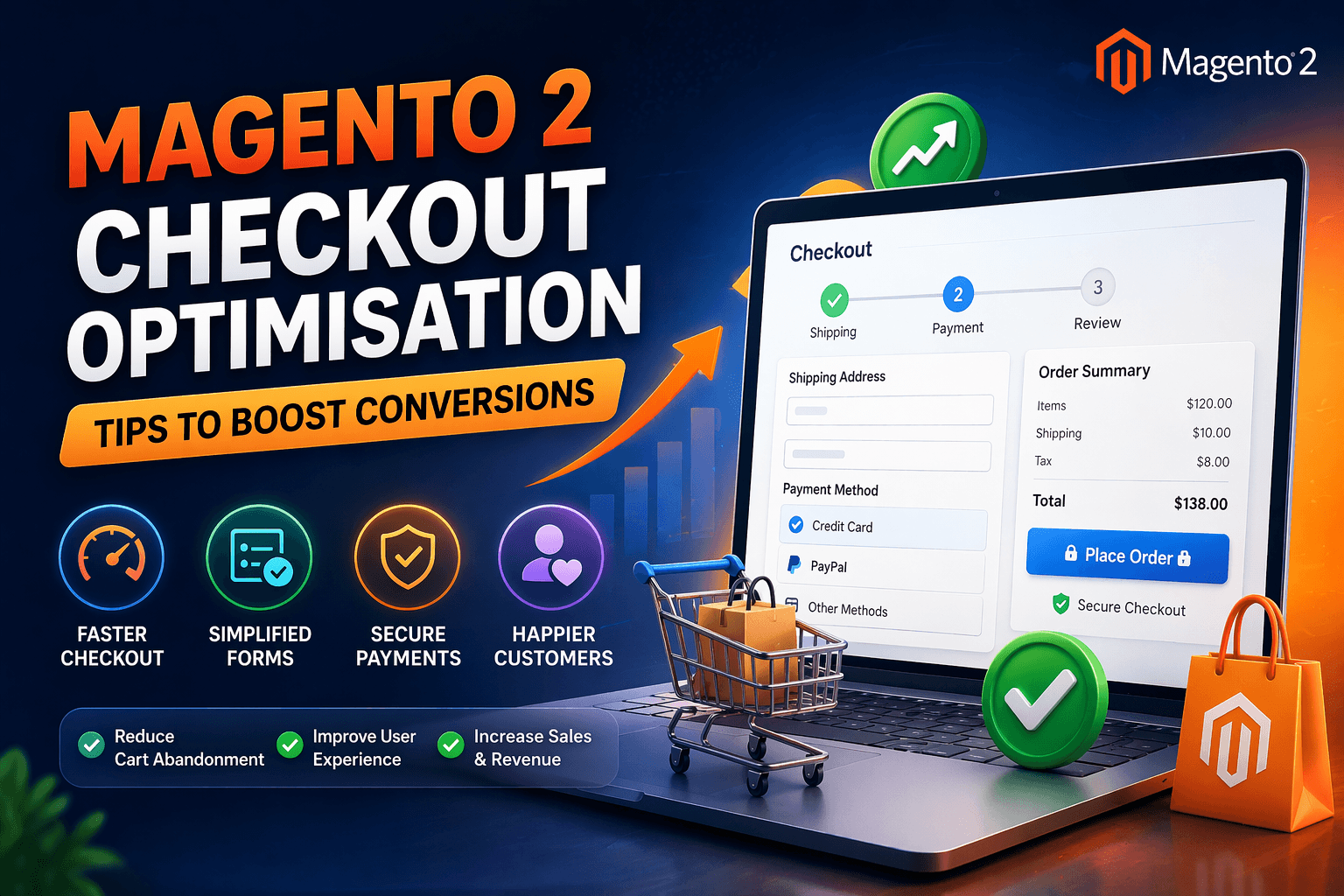
In the world of eCommerce, getting a customer to your website is only half the battle. The real challenge begins at checkout.
A complicated or slow checkout process is one of the biggest reasons for cart abandonment in Magento 2 stores. Even if your products are great and pricing is competitive, a poor checkout experience can quietly kill your conversions.
In this complete guide, you will learn how to optimize your Magento 2 checkout to boost conversions, reduce cart abandonment, and increase revenue.
Why Checkout Optimization is Critical
Checkout is the final step where customers decide whether to buy or leave.
According to industry data:
- Nearly 70% of carts are abandoned
- Complex checkout is a top reason
- Faster checkout = higher conversions
If your Magento 2 checkout is not optimized, you are losing sales every day.
Common Checkout Problems in Magento 2
Before fixing anything, you need to understand what is going wrong.
- Complicated Checkout Process
Too many steps or unnecessary fields make users frustrated.
- Forced Account Creation
Customers don’t want to create accounts every time.
- Slow Loading Checkout Page
Speed issues directly impact conversion rates.
- Limited Payment Options
Not offering preferred payment methods leads to drop-offs.
- Poor Mobile Experience
Most users shop from mobile devices.
- Hidden Charges
Unexpected costs at checkout reduce trust.
Magento 2 Checkout Optimisation Tips
Now let’s dive into actionable tips you can implement.
- Enable Guest Checkout
Forcing users to create an account is a conversion killer.
Solution:
- Enable guest checkout in Magento settings
- Offer account creation after purchase
This reduces friction and increases conversions.
- Simplify Checkout Steps
Magento 2 default checkout is already 2-step, but you can optimize further.
Best Practices:
- Remove unnecessary fields
- Use autofill where possible
- Combine steps logically
The simpler the checkout, the higher the conversion.
- Improve Checkout Speed
A slow checkout leads to abandoned carts.
How to Fix:
- Enable full-page caching
- Use CDN (like Cloudflare)
- Optimize JS & CSS
- Upgrade hosting
Aim for checkout load time under 2 seconds.
- Optimize for Mobile Users
Mobile commerce is dominating in 2026.
Tips:
- Use responsive design
- Large buttons and clear CTAs
- Easy form filling
Mobile-friendly checkout = more sales
- Add Multiple Payment Options
Customers prefer flexibility.
Include:
- Credit/Debit Cards
- UPI (for India)
- Net Banking
- Wallets
- Cash on Delivery
More options = fewer drop-offs
- Display Trust Signals
Trust is everything at checkout.
Add:
- SSL security badges
- Payment icons
- Customer reviews
- Money-back guarantee
Builds confidence and reduces hesitation
- Show Transparent Pricing
Hidden charges frustrate users.
Best Practice:
- Show shipping charges early
- Display total cost clearly
- Avoid surprises
Transparency increases trust and conversions
- Use Address Autofill
Typing addresses manually is time-consuming.
Solution:
- Enable Google Address Autofill
- Use postcode-based autofill
Faster checkout experience
- Reduce Form Fields
Every extra field reduces conversion.
Remove:
- Unnecessary fields
- Duplicate inputs
Keep only essential information
- Add Progress Indicators
Users should know where they are in the process.
Example:
- Step 1: Shipping
- Step 2: Payment
Improves user experience
Advanced Checkout Optimisation Techniques
If you want to go beyond basic improvements, implement these advanced strategies.
One-Step Checkout
Instead of multi-step checkout, use one-step checkout extensions.
Benefits:
- Faster process
- Less friction
- Higher conversion rates
Smart Error Handling
Poor error handling frustrates users.
Best Practice:
- Show clear error messages
- Highlight incorrect fields
- Avoid page reloads
Save Cart & Resume Later
Let users return and complete their purchase.
Useful for high-value products
Personalization
Use customer data to personalize checkout.
Examples:
- Saved addresses
- Preferred payment methods
Exit Intent Popups
When a user tries to leave:
- Offer discount
- Show reminder
Helps recover abandoned carts
Tools to Analyze Checkout Performance
To improve checkout, you need data.
Recommended Tools:
- Google Analytics
- Hotjar (heatmaps)
- Microsoft Clarity
Track:
- Drop-off points
- Conversion rates
- User behavior
Key Metrics to Monitor
Focus on these KPIs:
- Cart abandonment rate
- Checkout completion rate
- Average order value
- Page load time
Pro Tips for Magento Store Owners
- Test checkout regularly
- Use A/B testing
- Keep UI clean and simple
- Monitor mobile performance
- Update Magento regularly
Real Impact of Checkout Optimization
A well-optimized checkout can:
- Increase conversions by 20–40%
- Reduce cart abandonment
- Improve customer satisfaction
- Boost revenue
Common Mistakes to Avoid
- Overcomplicating checkout
- Ignoring mobile users
- Not testing checkout flow
- Using too many extensions
- Slow loading pages
Final Thoughts
Magento 2 is a powerful eCommerce platform, but its checkout needs proper optimization to perform at its best.
A smooth, fast, and user-friendly checkout experience can significantly boost your conversions and revenue.
Start with simple improvements like guest checkout and speed optimization, then move to advanced techniques like one-step checkout and personalization.
Need Help with Magento Checkout Optimization?
If you want to improve your Magento 2 checkout and increase conversions, Mageefy offers:
- Magento 2 Checkout Optimization
- Custom Development
- Extension Development
- Dedicated Magento Developers
Get in touch today and turn your visitors into paying customers.


